AIenhancer
AIenhancer
Enhance an image

Make more of every image.

Safety guide

Is ai photo enhancer safe? Know the boundaries before you upload

If you are asking is ai photo enhancer safe, the honest answer depends on the service, the image, and what you do with the result. Use enhancement thoughtfully, check privacy terms, and keep sensitive originals off tools you do not trust.

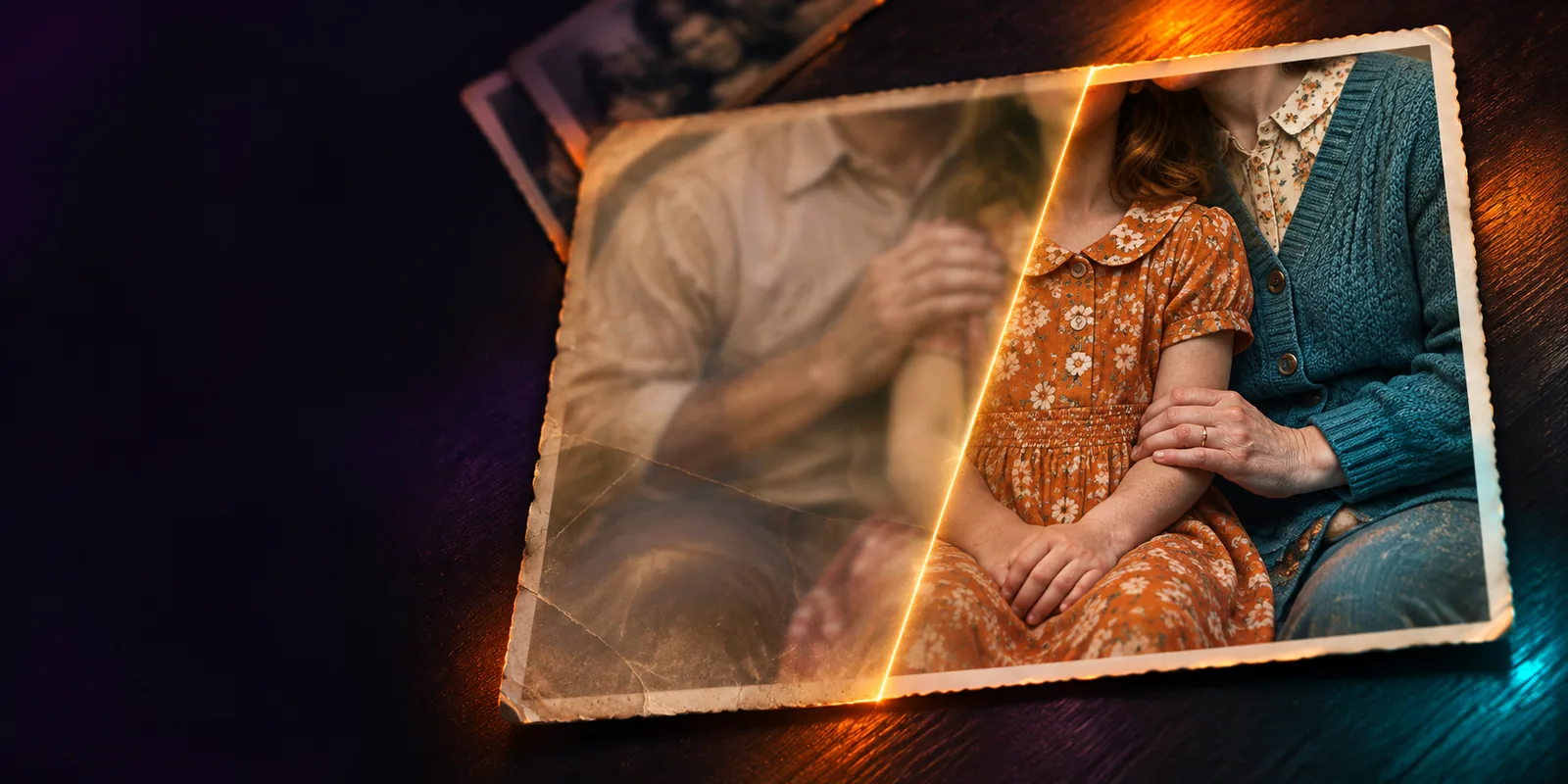
A polished photographic image illustrating AI-assisted enhancement

Related reading

Start with the safety context

These guides explain what an enhancer does, where it runs, and how to choose a workflow that fits your image and privacy needs.

Honest caveats

Three limits worth understanding

An AI enhancer can improve the appearance of an image, but it cannot guarantee privacy, factual accuracy, or a faithful record of what was originally photographed.

It cannot make a private upload risk-free

An online service may process an image on remote infrastructure, and the available privacy controls vary by provider.

Workaround

Read the service's privacy and retention terms first; use a cropped or non-sensitive copy when appropriate.
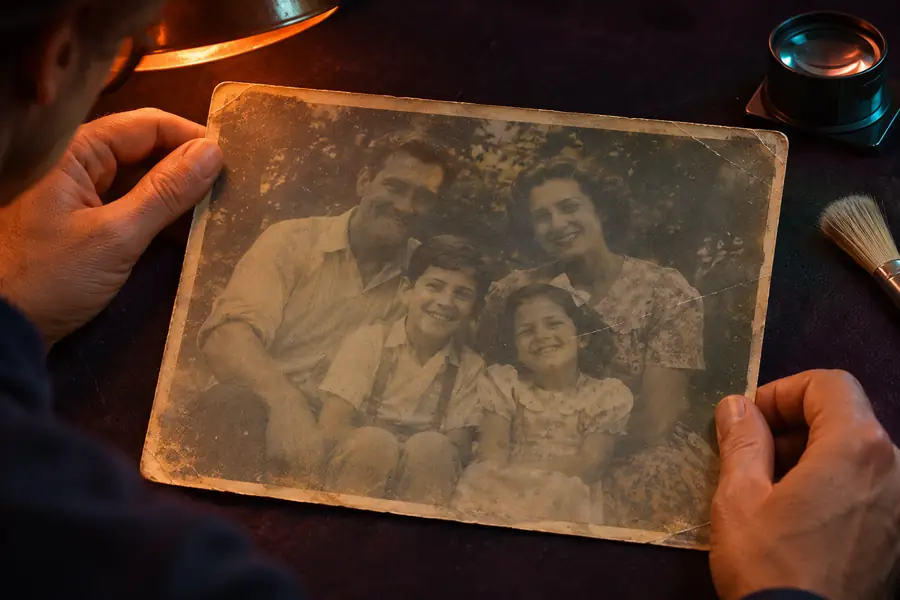
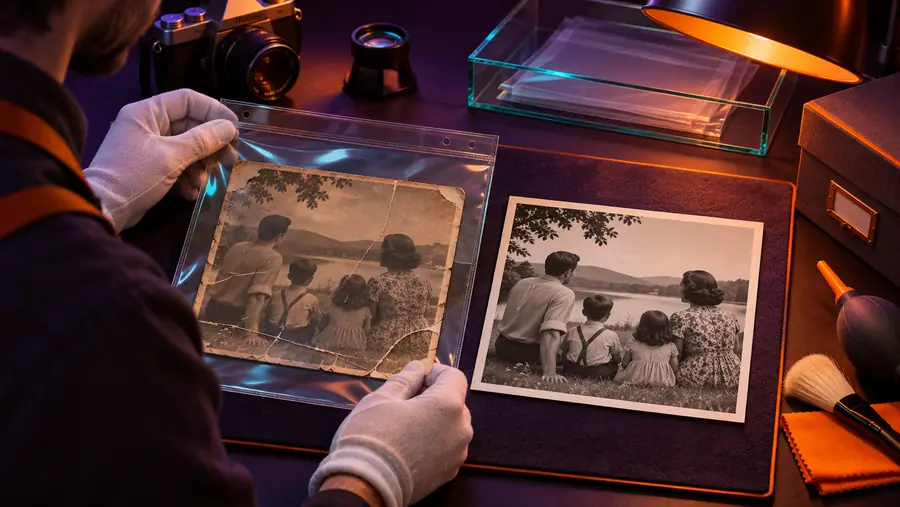
It cannot recover truth from missing detail

Enhancement may infer texture, edges, or facial detail rather than restore information that the camera never captured.

Workaround

Keep the original beside the result and label enhanced images when accuracy matters.

It cannot judge consent for you

A clearer face, document, or personal scene can make an image more identifiable and more sensitive.

Workaround

Get permission before processing or sharing someone else's photo.

It cannot replace professional review

A polished result may still contain artifacts, altered text, or misleading details.

Workaround

Inspect important areas at full size before publishing, archiving, or relying on the image.

Safe workflow

What happens when you enhance an image

A cautious workflow separates the decision to upload from the decision to trust or share the finished image.

  1. 1

    Choose the least sensitive copy

    Remove unnecessary metadata, crop unrelated people or documents, and keep the untouched original in your own storage.

  2. 2

    Review the service before uploading

    Check who operates it, what it says about retention and training, and whether the controls match the sensitivity of your image.

  3. 3

    Inspect and label the result

    Compare the enhanced version with the original, look for invented details, and disclose meaningful edits when context requires it.

Decision table

AI enhancer or manual editor?

Neither option is automatically safer. The better choice depends on the sensitivity of the image, the level of control you need, and how important factual fidelity is.

AI photo enhancer
Manual photo editor

Speed

AI photo enhancer

Automates common clarity and detail adjustments

Manual photo editor

Requires hands-on adjustment for each change

Control

AI photo enhancer

Uses model decisions that may be difficult to inspect

Manual photo editor

Makes each adjustment visible and user-directed

Privacy exposure

AI photo enhancer

May involve uploading an image to a remote service

Manual photo editor

Can stay on a local device when suitable software is used

Missing detail

AI photo enhancer

May generate plausible-looking detail

Manual photo editor

Cannot genuinely restore information that is absent

Repeatability

AI photo enhancer

Useful for applying a consistent automated treatment

Manual photo editor

Depends more heavily on the editor's settings and technique

Best fit

AI photo enhancer

Everyday images where speed and appearance matter

Manual photo editor

Sensitive, evidentiary, or highly controlled work

Final responsibility

AI photo enhancer

Still requires human inspection before sharing

Manual photo editor

Still requires human inspection before sharing

Compare carefully

A cleaner result is not always a truer result

The pair below illustrates why visual improvement should be checked against the original rather than accepted as proof of recovered detail.

Original image shown before enhancement Original
Enhanced image shown after clarity and detail adjustments Enhanced
Compare edges, faces, text, and texture before sharing.

Use-case guidance

When a cautious workflow helps most

The right safeguards change with the people, places, and information visible in the image.

Family archivist

You want to improve a faded personal photograph without losing track of the source.

Keep the original, use a working copy, and compare both versions before saving the enhanced file.

ai enhancer for photo

Online seller

A product image needs clearer edges and more readable presentation.

Enhance a clean product shot, then verify that colors, labels, and material details still match the item.

ai enhancer online

Android photographer

You are reviewing a phone image before sending it to a client or posting it publicly.

Check the app or service permissions and inspect faces, signs, and backgrounds for unintended changes.

best ai photo enhancer android

Creative editor

You are refining an artwork or generated image where style matters more than documentary accuracy.

Treat the output as an edit, preserve the source, and explain the transformation when viewers could be misled.

ai enhancer vs photo editing

Safety checklist

Three checks before you share

Use these practical checkpoints to slow down the moment when a polished image starts to feel trustworthy.

Review privacy, fidelity, and consent before sharing
3 checks
Keep the original and enhanced image together
2 versions
Inspect important details at full size
1 final review

Make a careful choice

Enhance with context, not guesswork

A sharper image can be useful without being perfectly accurate or completely private. Keep control of sensitive originals, check the result against its source, and use an image workflow that matches the stakes.

Review an image
  • Keep sensitive originals private
  • Compare every important result
  • Share enhanced images with context

Common question

FAQ: Is ai photo enhancer safe?

It can be safe for low-sensitivity images when you understand the service's privacy practices and review the output carefully. Safety is not automatic: remote processing, retention, reuse, and sharing policies all matter.

Yes. Enhancement may infer or reshape fine detail, especially in faces, text, textures, and low-resolution areas. Keep the original and compare it with the result before treating the enhanced image as an accurate record.

Be cautious with identity documents, medical images, intimate scenes, confidential work, and photos of children. If you cannot confirm how the service handles uploads, use a less sensitive copy or choose a workflow that keeps processing under your control.

Inspect faces, text, edges, repeating patterns, and small objects at full size, then compare them with the original. If the image will support a claim or decision, disclose that it was enhanced and seek human review.

Enhance an image
Enhance an image