AIenhancer
AIenhancer
Enhance an image

Make more of every image.

Image refinement

Use an ai enhancer online for better-looking images

Bring a soft, noisy, or under-detailed image into a focused online workflow. Review the original, describe the improvement you need, and hand off the task without installing desktop software.

Review the result before sharing

Workflow overview

Three ways an online enhancer helps

An online ai enhancer is most useful when it removes friction from common image problems without pretending every source needs the same treatment.

Simple process

How the online workflow works

The best results usually come from a short review cycle: identify the image problem, apply a focused enhancement, then inspect details before exporting or sharing.

  1. 1

    Choose the source image

    Start with the clearest original available. A larger, less compressed source gives the enhancer more visual information to work with.

  2. 2

    Describe the needed improvement

    State whether the image needs more detail, reduced noise, stronger clarity, or a more balanced appearance. Specific guidance helps keep the result aligned with the source.

  3. 3

    Review the enhanced result

    Compare faces, edges, text, fine textures, and colors against the original. Keep the version that improves the image without introducing distracting artifacts.

Practical uses

Where online enhancement fits

Different images call for different checks. These examples show how an online workflow can support real tasks while keeping expectations grounded.

Family photo archivist

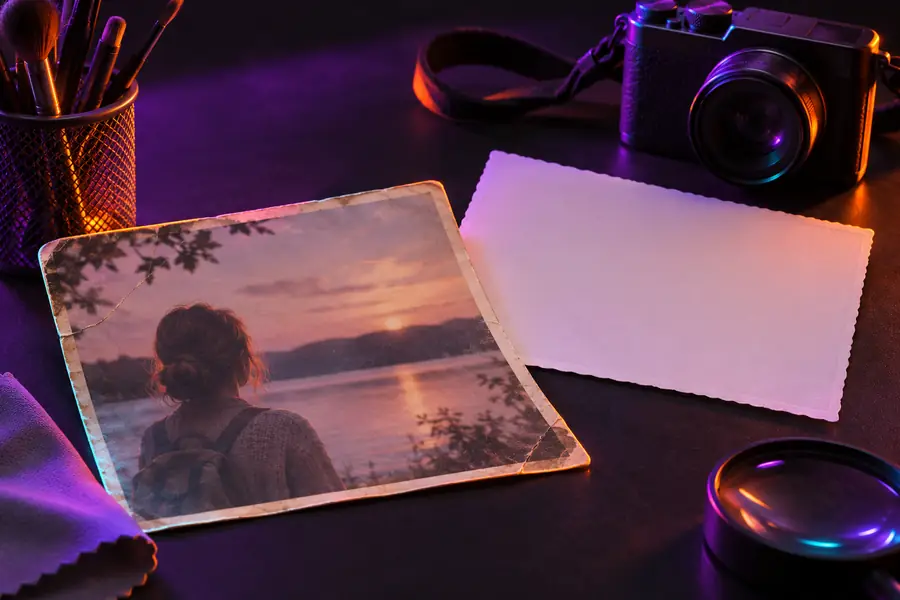
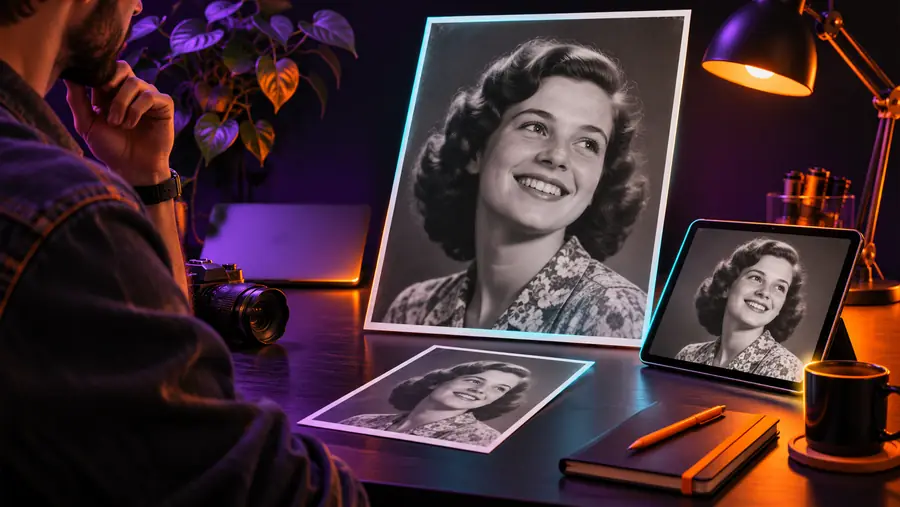
A scanned family portrait is faded, soft, or marked by compression from an old digital copy.

Use the ai enhancer online to improve visible detail while checking that faces and original character remain natural.

ai enhancer for photo
Small-shop owner

A product image looks flat or slightly blurry after being resized for a marketplace listing.

Refine edges and overall clarity, then inspect labels and small text before publishing the listing.

ai enhancer tutorial free

Mobile photographer

A phone photo has noise from low light and lacks definition around the subject.

Improve perceived clarity online, then compare the result at the size where it will actually be viewed.

best ai photo enhancer android

Content creator

A social image needs a cleaner presentation, but unwanted marks or branding could distract from the composition.

Review the final image for visual cleanliness and confirm that its presentation matches the intended channel.

ai enhancer online without watermark

Visual check

Limits and edges

Enhancement can clarify information that is already present, but it cannot reliably reconstruct every missing detail. Compare the source and result instead of judging the change from a thumbnail alone.

Soft original image prepared for online enhancement Original source
Clearer enhanced image shown after an online refinement pass Enhanced result
Look closely at faces, fine edges, text, and repeated patterns. Stronger sharpening is not always a more accurate result.

Expectation setting

Online enhancement compared with the original workflow

An online ai enhancer changes where the work happens and how quickly you can test an idea. It does not remove the need for a good source or a careful final review.

Original image workflow
Online enhancement workflow

Starting material

Original image workflow

Uses the image exactly as captured or exported.

Online enhancement workflow

Begins with the same source but applies an automated refinement pass.

Setup

Original image workflow

May require a desktop editor, installed tools, or manual adjustments.

Online enhancement workflow

Runs through a browser-based handoff with less local setup.

Control style

Original image workflow

Fine-grained manual control is available when editing tools support it.

Online enhancement workflow

Guidance is more focused on the intended improvement than on every individual setting.

Best suited to

Original image workflow

Detailed retouching, layered work, and precise creative edits.

Online enhancement workflow

Quick clarity checks, routine cleanup, and testing an image improvement.

Source limitations

Original image workflow

Cannot restore detail that was never captured.

Online enhancement workflow

Also cannot guarantee accurate recovery of missing detail, text, or facial features.

Quality check

Original image workflow

The editor remains responsible for inspecting the finished file.

Online enhancement workflow

You still need to compare the enhanced result with the original before sharing.

Installation

Original image workflow

Often tied to software installed on a particular device.

Online enhancement workflow

Designed for access through an online workflow rather than a local installation.

Next image

Put one image through a clearer workflow

Start with a real photo and describe the improvement you want to see. The online handoff is a practical way to test whether added clarity, reduced noise, or better definition suits the source.

Enhance an image
  • Use the clearest original available
  • Describe one main improvement at a time
  • Review the result before publishing

Common questions

Frequently asked questions

An ai enhancer online is a browser-based image improvement workflow that uses automated analysis to refine qualities such as clarity, visible detail, or noise. It is useful when you want to test an improvement without starting in a full desktop editing application.

You can use one for many everyday images, including portraits, product photos, scans, and mobile pictures. Results depend on the original quality, lighting, compression, and the detail that is actually present in the source.

It may improve perceived sharpness and definition, especially when blur is moderate and the subject is still identifiable. It cannot reliably recover every detail lost through severe motion blur, tiny resolution, heavy compression, or an out-of-focus capture.

Yes. Check faces, text, edges, textures, and color transitions at the size where the image will be used. A result that looks impressive in a preview can still contain artifacts that become obvious when enlarged or published.

Neither is best for every situation. Online enhancement can be a convenient first pass for clarity and cleanup, while manual editing is usually better when you need precise layers, detailed retouching, or complete control over each adjustment.

Enhance an image
Enhance an image